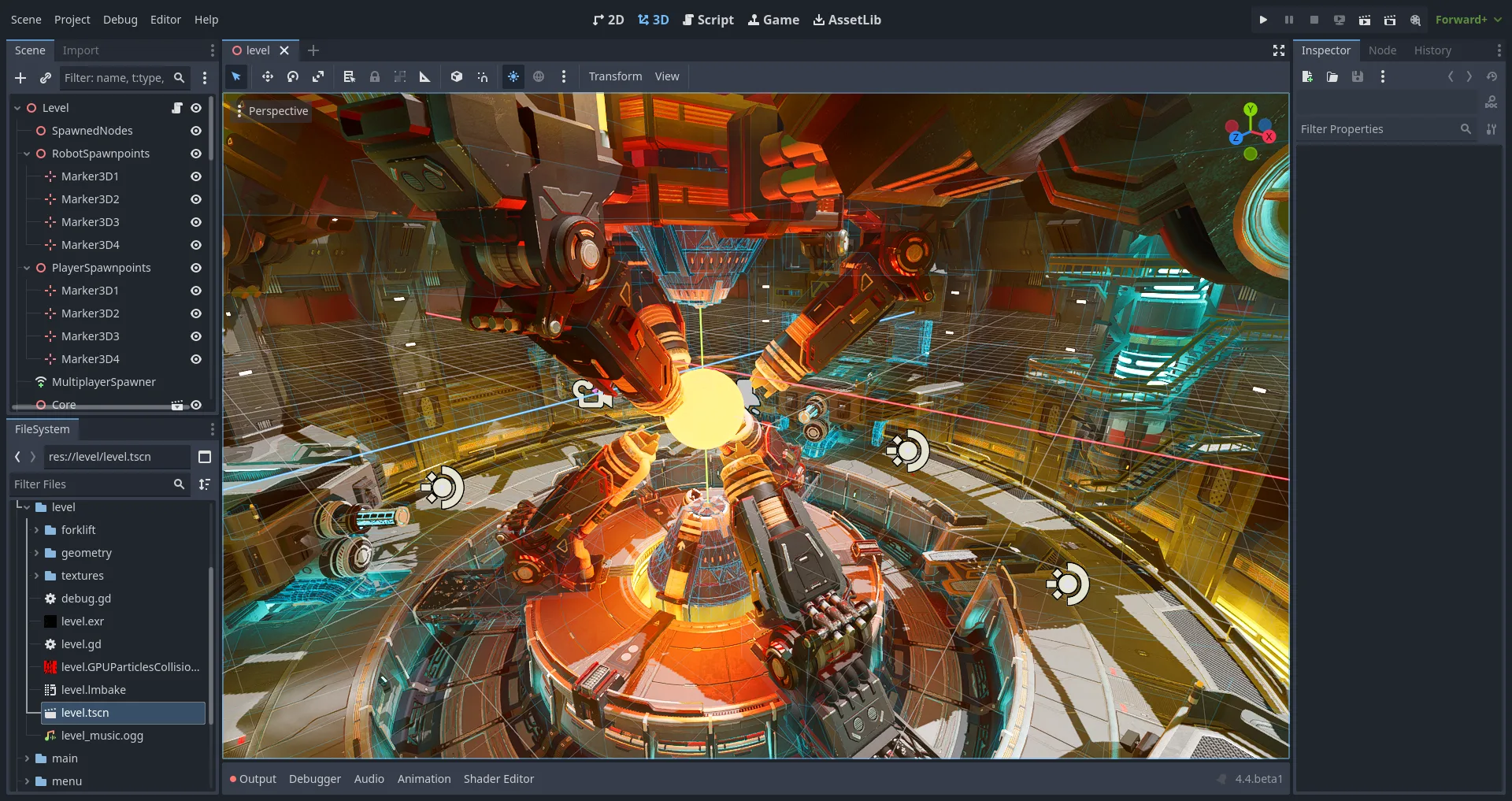
Start with the machine in front of you. If the goal is to run the editor today, use an install path. If the goal is to decide between this engine and Unity or Unreal, use a compare guide. If the goal is to leave another engine, use the migrate notes. Home keeps the command at home.
When a guide names a command, that command was checked against microsoft/winget-pkgs. Release numbers are not typed here. The current release is on the stamp. If a filename on GitHub Releases does not match the pattern in releases, wait and read the official list. If a search result wants a helper that copies the project name, stop and use download safely instead.
How to pick a guide
Name the operating system and the next action in one sentence. Install on this Windows PC. See how this project differs from Unity or Unreal. Learn first run and the Project Manager. If you can say that sentence, open the matching URL below.
Core install notes
- Home, definition, winget command, Windows steps.
- Releases, which Windows x64 zip to take.
- GitHub, repo godotengine/godot, MIT LICENSE.
- Download safely, GitHub and winget only.
winget install -e --id GodotEngine.GodotEngineInstall, compare, migrate, and howto
Install on Windows
Winget, zip, portable layout, and first launch on Windows x64.
- Install on Windows — Install the Windows editor with the winget PackageIdentifier, or extract the current win64 editor zip from GitHub Releas…
- Winget — Winget installs the editor with the PackageIdentifier from microsoft/winget-pkgs. The manifest pulls the current win64 e…
- Portable zip — The Windows editor is a self-contained zip. Extract the win64 editor zip and run the nested exe; winget uses the same ne…
- Update uninstall — Update the editor through the same door you used to install: winget upgrade for that PackageIdentifier, or replace the e…
Comparisons
Honest Godot notes beside Unity and Unreal without invented prices.
Editor setup
Project Manager, first GDScript, export templates, updates, and safety.
- Safety — The Windows editor is safe to download when the file comes from GitHub Releases, godotengine.org, or the winget PackageI…
- First run — On first run, open the Project Manager, create a project outside the editor folder, then confirm the viewport and play b…
- Export Windows — Exporting a Windows build needs export templates that match your editor line. Install templates after a blank scene play…
- Project Manager — The Project Manager is the first window after install. Create or import a project folder outside the editor directory, t…
- First GDScript — A first GDScript attaches to a node, prints from ready, and runs with play. Keep the script beside the scene; leave C# .…
Every guide below sticks to features documented upstream. Commands were checked against microsoft/winget-pkgs. Release numbers stay on the stamp rather than in hand-written prose. When a filename on GitHub Releases does not match the pattern you expect, wait for the official list instead of grabbing a renamed zip from a search ad.
Lab images that hide App Installer still have the manual win64 zip door. Keep projects outside the editor folder so upgrades never delete scenes. Prefer one install door for the life of a machine.
Frequently asked questions
Where should I start with these guides?
Install on Windows if the PC is in front of you. Winget if App Installer is ready. Portable zip notes if you are choosing a folder layout. First-run and Project Manager after the editor launches. Home keeps the winget command for that PackageIdentifier.
Are these guides a second download?
No. They are install and setup notes. The editor still comes from GitHub Releases or the winget PackageIdentifier. Match the Windows x64 win64 zip pattern against the current GitHub release before you change anything else on the PC.
Do the guides cover Mac or Linux?
No. This path maps Windows x64. Mac, Linux, Android, web, and template packs exist on the same stable tag; take those from Releases if you need them. Prefer godotengine.org and GitHub over countdown mirrors.